Issue
- Cannot login to /wp-login.php
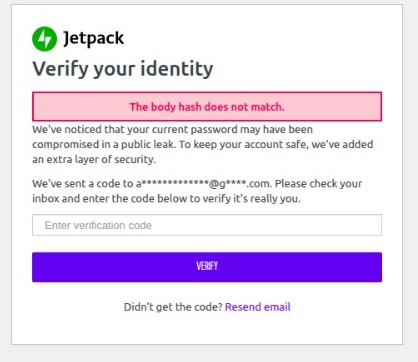
- The error come from jetpack plugin, it says verify your identity, the body hash does not match (We’ve noticed that your current password may have been compromised in a public leak)
- Email sending failed, the code has not been received, even clicked resend email
Solution
The problem is on jetpack plugin, we need to deactive the plugin.
Because we cannot login to wordpress, so the solution is to rename jetpack plugin folder from jetpack to jetpack_ on wp-contents/plugins/
Here are the steps:
- Login to server, in here i am using SSH
- Go to your wordpress folder, open wp-contents/plugins
- You will see jetpack folder, rename it to jetpack_ with command
mv jetpack jetpack_
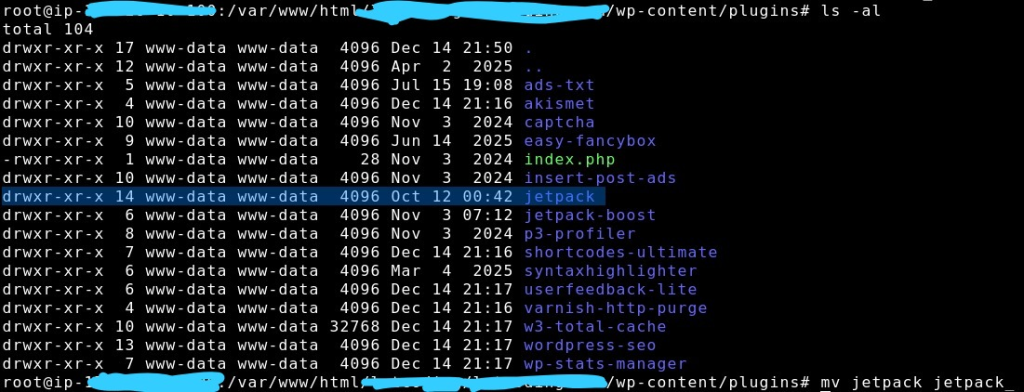
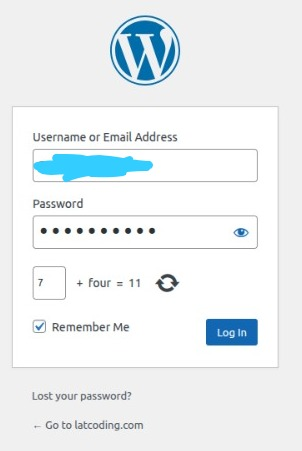
Once you rename it, go back to wordpress login page (wp-login.php), enter your username and password as usual, click login
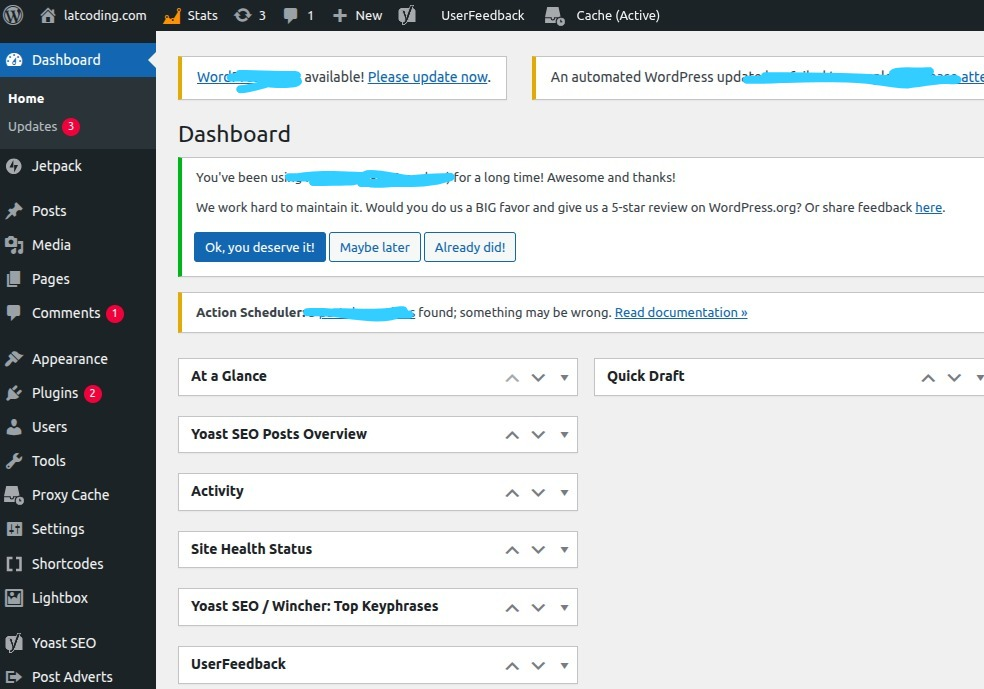
Then, you will successfully see wordpress dashboard.